
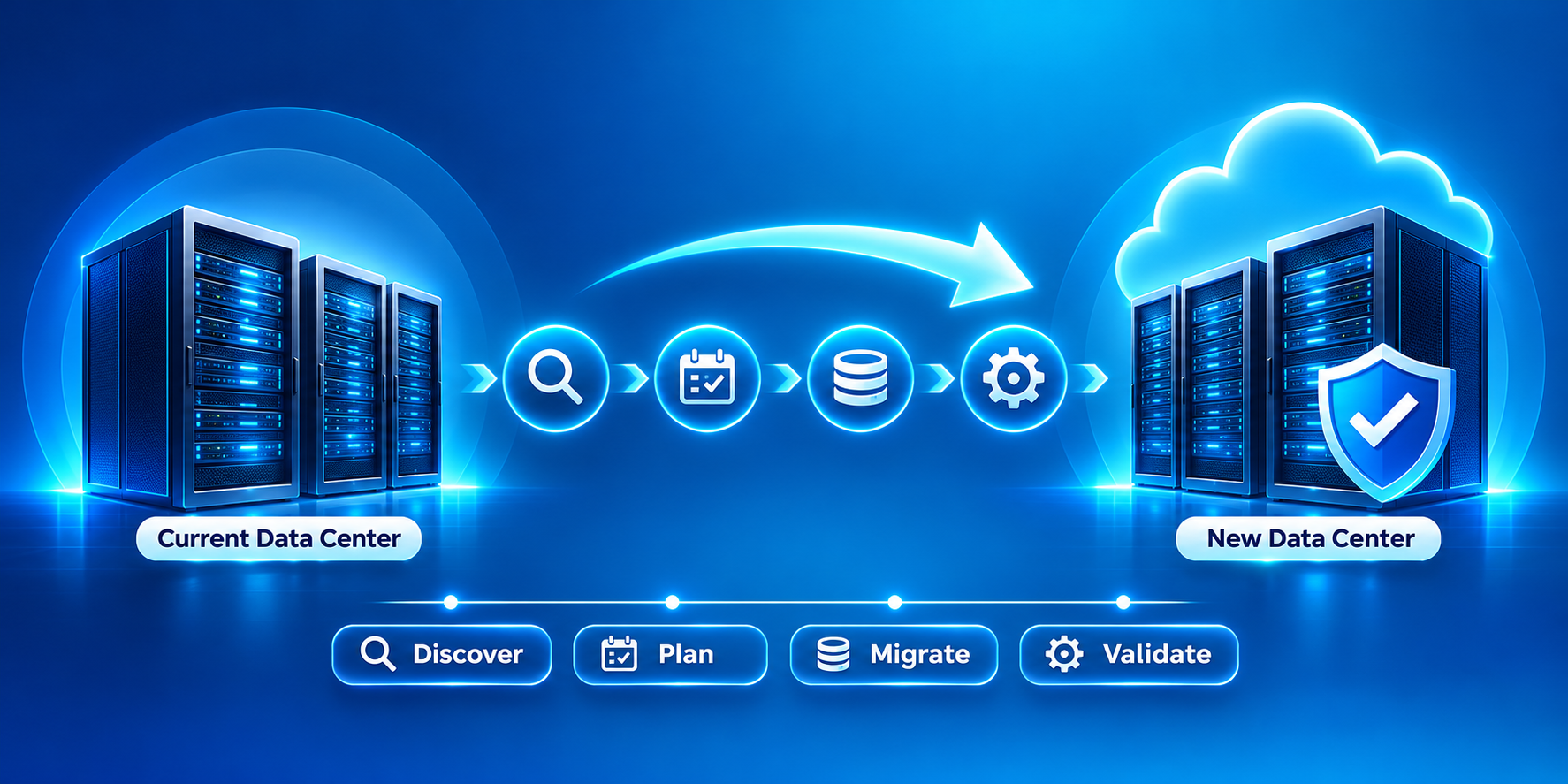
A data centre move plan provides a framework that details the processes, hardware, and verification used to migrate an organisation’s servers, storage, networks, and software. Such a plan ensures that interdependencies are understood, minimises service disruption, and preserves both data and business continuity.
An effective data center migration checklist goes beyond equipment inventory and relocation schedules. It accounts for application dependencies, destination power and cooling capacity, network configurations, backup integrity, cutover readiness, and rollback procedures. Overlooking any of these requirements can delay service restoration and disrupt critical business operations.
During a data center migration, internal IT teams are often occupied with application testing, data replication, and restoring business services, leaving limited resources for physical infrastructure work. Teceze supports these teams by coordinating equipment relocation, deployment at the new facility, and on-site troubleshooting, while providing ongoing infrastructure support once workloads return to production.
What Is a Data Center Migration Checklist?
A data center migration checklist is a step-by-step record of what needs to be moved, in what order, who is responsible, and how each task will be verified. It covers physical equipment, application dependencies, storage replication, network configurations and recovery procedures.
For example, moving a database server requires more than transferring its data. Dependent applications must retain access, firewall rules must permit communication, and the destination storage must support the required performance. The checklist brings these requirements together so that technical teams can address them before cutover.
What Determines the Scope of a Data Center Migration Checklist?
A data center migration checklist varies according to the infrastructure being moved. Relocating physical servers requires a different set of preparations from transferring virtual workloads to a new hosting environment.
The checklist depends on four infrastructure requirements.
- Infrastructure architecture: Physical servers, virtualization platforms, storage systems, and network dependencies.
- Workload criticality: Business applications that require prioritized migration and service restoration.
- Destination environment: Hardware compatibility, rack capacity, power availability, and network connectivity.
- Recovery requirements: Acceptable downtime, data loss thresholds, and available recovery mechanisms, defined through RTO and RPO.
The Complete Data Center Migration Checklist: 7 Critical Phases
A migration checklist translates these requirements into documented tasks, assigned responsibilities and acceptance criteria. It helps technical teams verify that infrastructure is ready before the cutover stage and that workloads meet operational requirements after the move.
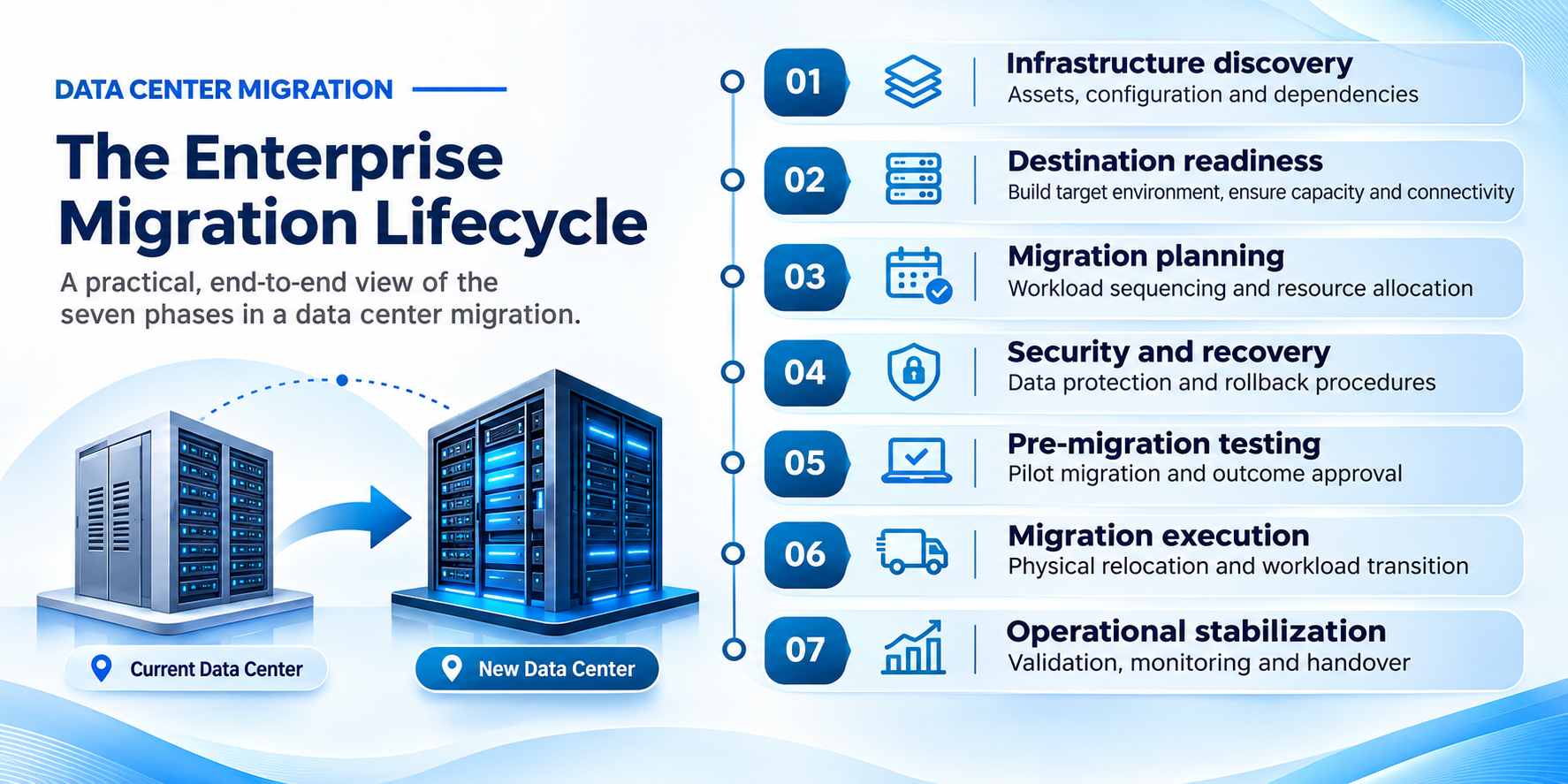
Phase 1: Infrastructure Discovery and Application Dependency Mapping
- Inventory all hardware and software: models, serial numbers, firmware and OS versions, support contracts, and end-of-life status.
- Map application dependencies, including application-to-database links, shared services (DNS, DHCP, authentication, monitoring), and external integrations.
- Document the network topology such as VLANs, routing, firewall zones, and load balancers.
- Classify workloads by criticality and migration method.
- Record asset ownership and any licensing tied to hardware, location, or IP address.
Phase 2: Destination Infrastructure Readiness
- Confirm rack space and per-rack power in kW, not just total contracted capacity.
- Check cooling against the planned density. This matters most for GPU or other high-density hardware that draws well beyond a typical 5–8 kW rack.
- Verify carrier presence, bandwidth, and cross-connect lead times, which often run for weeks and sit on the critical path.
- Confirm hardware compatibility, including rail kits, power connectors, and rack depth.
- Review physical security, access procedures, and remote-hands availability.
Phase 3: Migration Strategy and Workload Sequencing
- Select a method per workload, such as data center lift and shift, replication and cutover, rebuild at the destination, or a phased hybrid.
- Low-criticality systems move first so the process is tested before critical ones follow.
- Schedule maintenance windows away from fiscal period-ends, audits, and peak business cycles.
- Assign a named owner to each wave, with an escalation path.
Phase 4: Security, Backup and Recovery Preparation
- Verify backups by performing a test restore.
- Rehearse recovery for the most critical systems.
- Confirm encryption requirements for data in transit during replication and for data at rest.
- Identify the rollback point for each wave and write the plan for it.
Phase 5: Pre-Migration Testing and Cutover Readiness
- Migrate a pilot workload to test the process end to end.
- Record performance baselines on the source so post-move results can be compared with something real.
- Synchronize data and confirm replication lag sits within RPO.
- Notify stakeholders of the window, expected impact, and contacts.
- Hold the formal go/no-go review.
Phase 6: Migration Execution and Cutover
- Shut down workloads in a controlled sequence that respects dependencies.
- Relocate physical equipment where applicable, with photographed, labeled, and tracked shipments.
- Run final data replication and confirm consistency.
- Switch network routes and DNS. TTL values should have been lowered days earlier.
- Restore applications in dependency order and confirm each service before starting the next.
Phase 7: Post-Migration Validation and Stabilization
- Test application functionality against agreed acceptance criteria.
- Verify data integrity by comparing record counts and checksums with the source.
- Validate network paths and performance against the baselines.
- Confirm monitoring, alerting, and backup jobs are running in the new environment.
- Update documentation and hand over to operations.
- Decommission legacy infrastructure only after formal acceptance, with certified data sanitization.
Pre-migration Readiness Assessment (illustrative)
- Infrastructure inventory completed
- Application dependencies documented
- Destination capacity verified
- Backup restoration successfully tested
- Network and security configurations validated
- Rollback procedures approved
- Migration window confirmed
- Stakeholder approval received
How Can IT Teams Identify and Mitigate Data Center Migration Risks?
| Technical Risk | Operational Consequence | Mitigation Strategy |
|---|---|---|
| Data Migration – Unmapped dependencies | Application unavailable after cutover | Automated discovery plus owner interviews; wave testing |
| Insufficient destination capacity | Resource bottlenecks, throttled workloads | Per-rack kW and cooling verification before commitment |
| Data replication failure | Data loss or inconsistency | Integrity validation and RPO monitoring |
| Network misconfiguration | Connectivity disruption | Pre-cutover network testing and review |
| Late circuits or cross-connects | Schedule slips, extended dual running | Complete network provisioning before cutover |
| Extended downtime | Business interruption | Defined rollback thresholds and time-boxed decisions |
| Hardware damage in transit | Equipment failure, delayed restoration | Controlled transport, photo documentation, asset tracking |
How Does Teceze Support Enterprise Data Center Migration?
For enterprises operating across multiple facilities, migration execution becomes more demanding when internal infrastructure teams lack engineering coverage at the source or destination site. A failed storage controller, incorrect cable connection or unavailable replacement component can delay service restoration while remote teams work to complete application cutover.
TECEZE addresses these needs through its Global Field Services, Cloud & DevOps, and managed data center services.
| Common Migration Challenges | How TECEZE Addresses It |
|---|---|
| Outdated infrastructure records | Physical asset discovery, tagging and inventory reconciliation |
| Complex equipment relocation | Data center lift-and-shift and phased infrastructure deployment |
| Application and workload transitions | Cloud migration, dependency assessment and migration planning |
| Limited on-site engineering resources | Data center smart hands, rack-and-stack installation and structured cabling |
| Hardware failures | Multi-vendor break/fix support and spare parts coordination |
| Recovery and availability requirements | Backup management, disaster recovery and failover testing |
| Post-migration infrastructure incidents | Server, storage and network management through managed infrastructure services |
A Successful Migration Ends with Operational Stability
A migration is finished when workloads are validated, infrastructure is documented, and the operations team can support the new environment. Cutover is one step in that sequence. Teams that treat the checklist as a series of gated decisions, not a to-do list, tend to find problems while rollback is still inexpensive. A migration is finished when workloads are validated, infrastructure is documented, and the operations team can support the new environment. Cutover is one step in that sequence. Teams that treat the checklist as a series of gated decisions, not a to-do list, tend to find problems while rollback is still inexpensive.
Planning a data center migration? Teceze can support the physical relocation, workload transition, and ongoing management of enterprise infrastructure.
Contact us now